Oct 15, 2026
How to Build a Clearer Gaming Commentary Setup
How webcams, microphones and lighting work together to create clearer gaming commentary and a more professional stream.
Good commentary needs more than a game and a headset
A gaming stream has several jobs happening at once. The computer runs the game, the camera shows the creator, the microphone carries the voice, and the lighting keeps the face visible.
When these parts are placed without a plan, the stream can feel messy. The camera may struggle in changing light. The microphone may pick up too much keyboard noise. A bright monitor may make the face look dark.
A clean setup helps every product perform better.
Start with a stable camera position
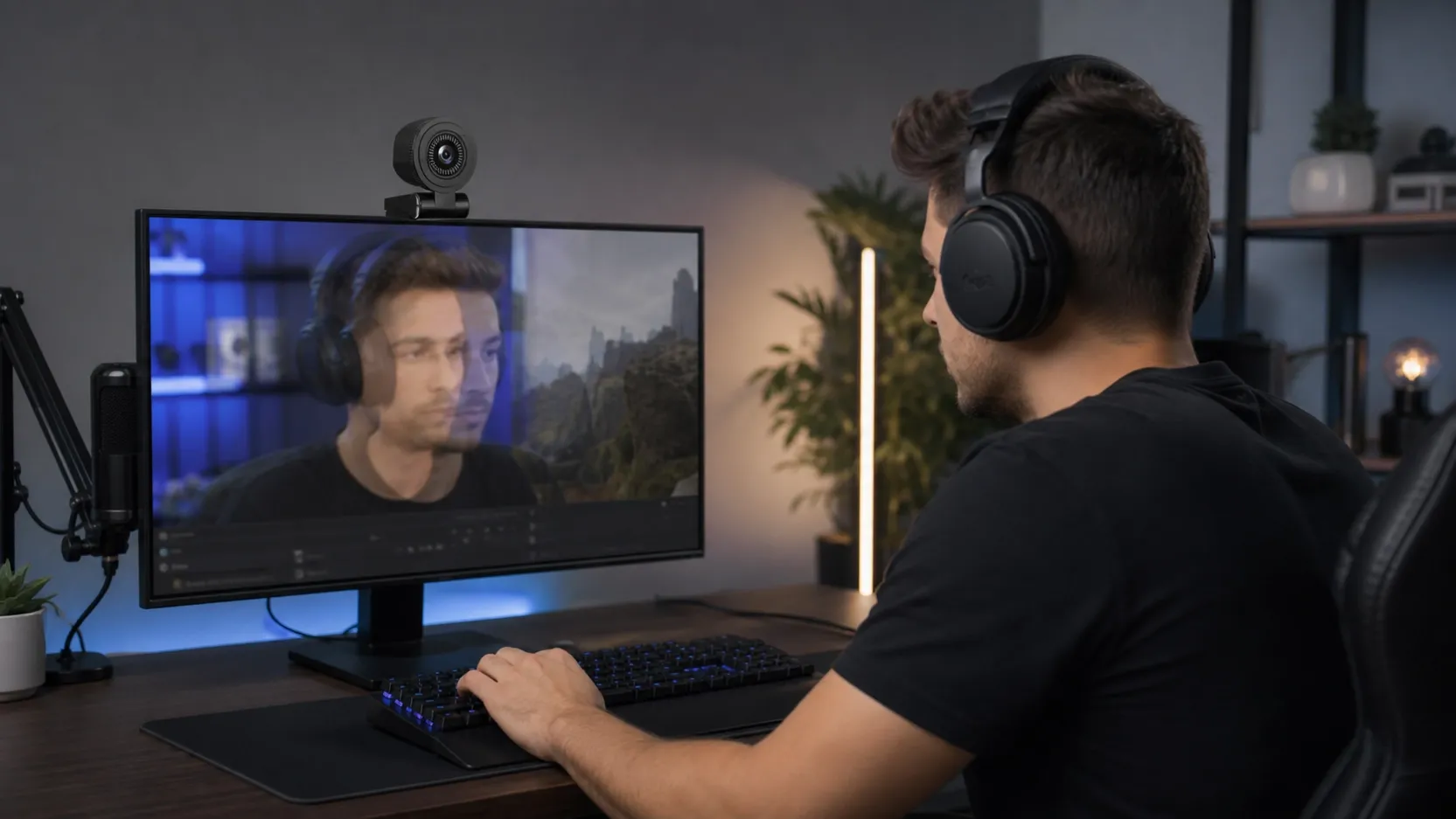
The webcam should sit close to eye level, usually above the main monitor. This creates a natural viewing angle and keeps the creator connected with the audience.
For a dual-monitor setup, it helps to decide which screen holds the game and which screen holds chat or streaming controls. The camera should remain near the screen the creator looks at most often, so eye movement feels natural.
Keep the face in steady light
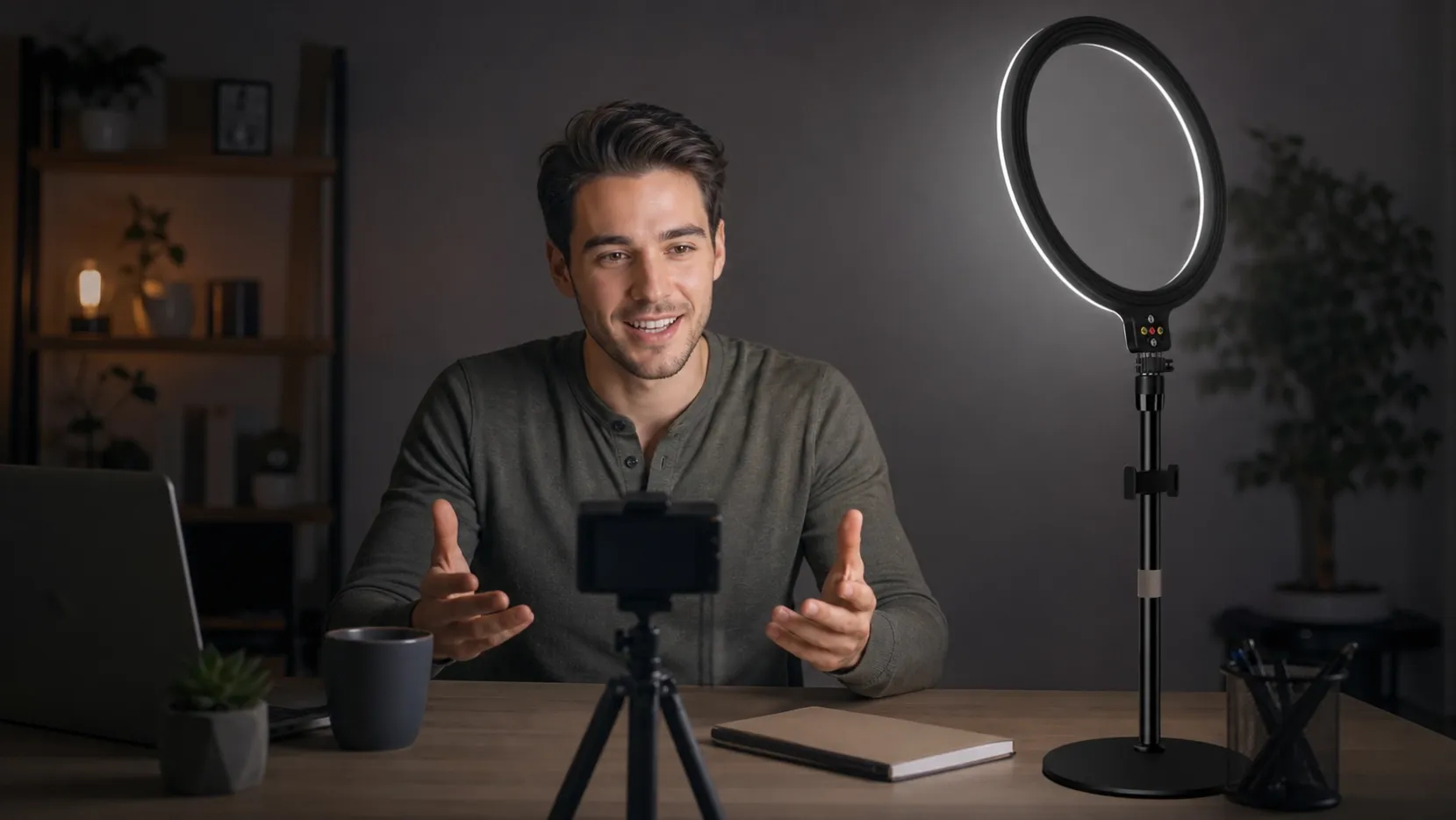
Game screens change brightness and color constantly. A fill light gives the camera a stable view of the face even when the game moves from a dark room to a bright menu.
Place a compact ring light or video light slightly above the camera or at a soft angle. The goal is not to make the room extremely bright. It is to keep the creator clear and consistent.
Give the microphone a clear voice path
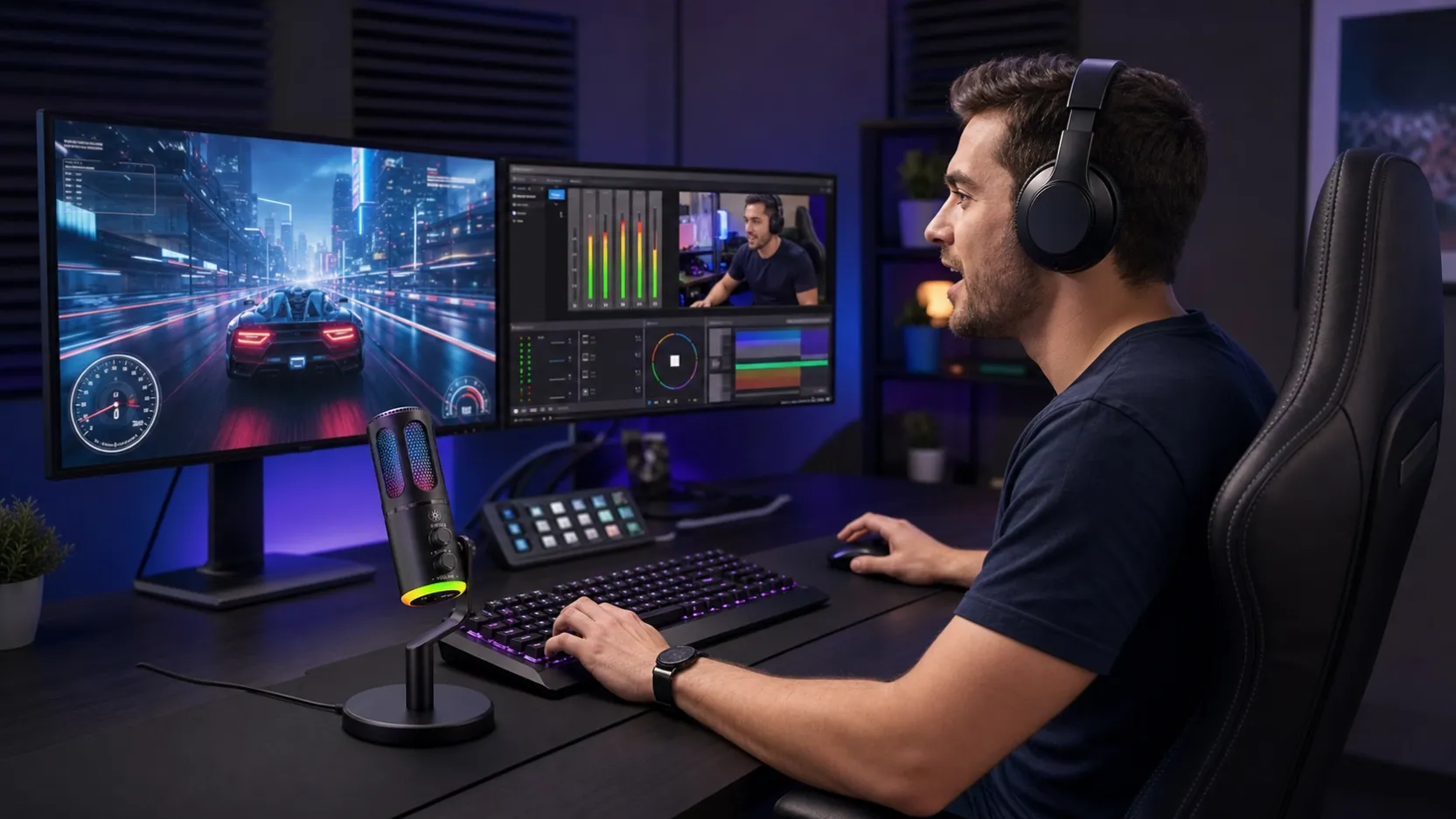
The microphone should be close enough to capture the voice without forcing high gain. At the same time, it should not sit in front of the mouse hand or cross the player’s arm.
A useful position is just to one side of the keyboard, slightly forward and aimed toward the mouth. This keeps the voice strong while leaving the mouse and keyboard area open. If the creator uses a boom arm, the microphone can come from the side and stay below the camera line.
Reduce the sounds viewers do not want
Mechanical keyboards, mouse clicks and computer fans are normal in gaming rooms. A directional microphone can focus more strongly on the voice, but placement still matters.
Keep the back or least-sensitive side of the microphone toward the keyboard when possible. A stable stand also helps prevent desk vibration from becoming part of the recording.
Make controls easy to reach
Mute, gain and headphone volume should be easy to use during a stream. The creator should not need to move the whole microphone or leave the game to make a small adjustment.
Simple controls are especially important for creators who stream alone and manage the game, chat, audio and video at the same time.
Why the complete setup matters
A clear gaming-commentary setup is built from products that support one another. Better light helps the webcam. Better microphone placement improves voice quality. A stable stand keeps equipment out of the way.
For brands and distributors, this creates an opportunity to present cameras, microphones, lights and accessories as one practical creator system rather than separate technical products.
The final result
The best setup does not need to look complicated. The creator should be able to sit down, start the game and speak naturally. When the camera stays clear, the face is well lit and the microphone captures the voice without interrupting play, the whole stream feels more professional.