Jul 17, 2026
Why a Professional Microphone Is Essential for Streamers and Content Creators
A simple guide to choosing USB or XLR microphones, pickup patterns and useful controls for streaming, podcasting and content creation.

A professional microphone can give streamers, podcasters and content creators clearer sound and more control. The best choice depends on your setup, recording room and how many people you need to record.
Start with the Connection
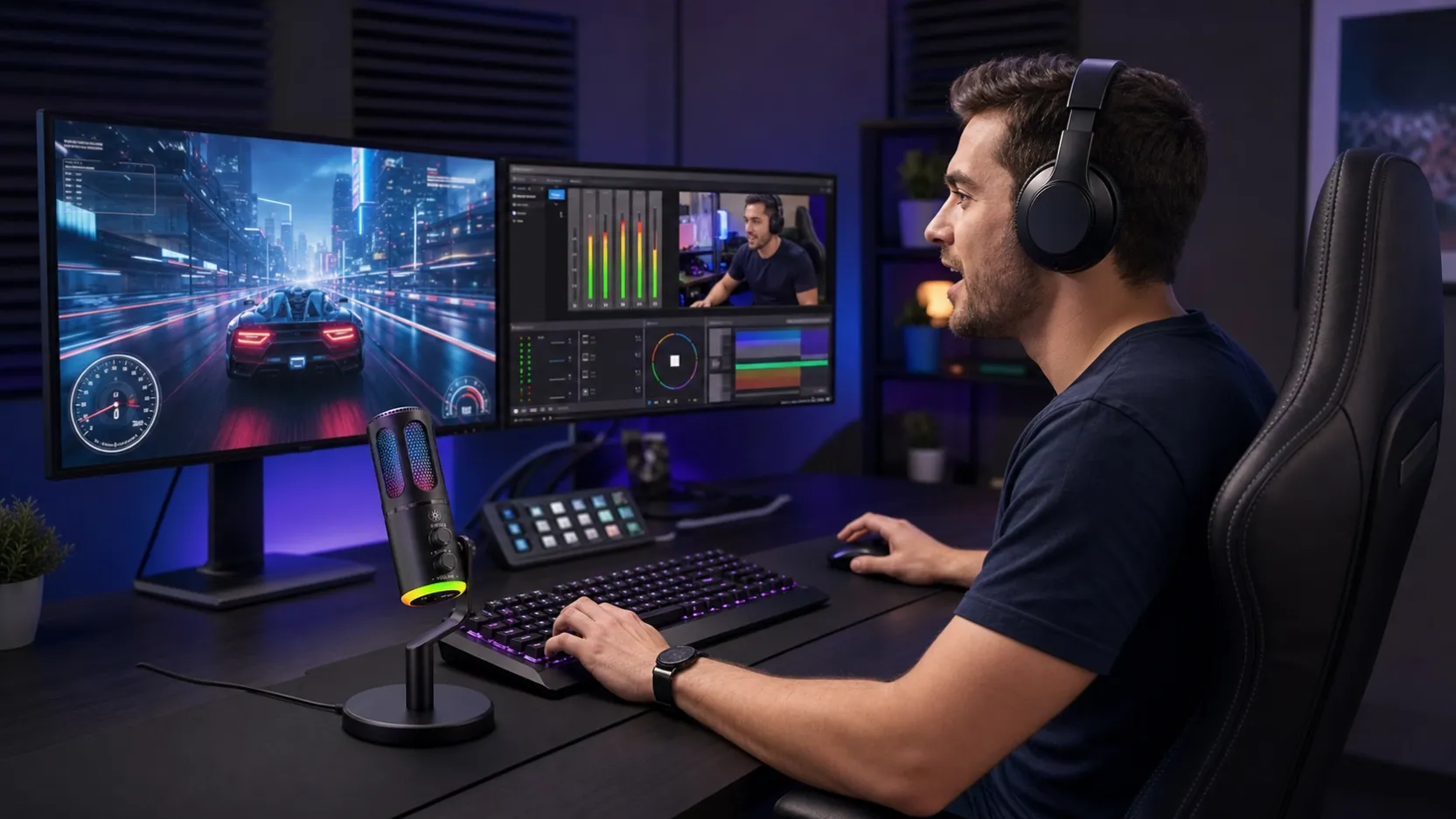
A USB microphone connects directly to a computer and is the easiest option for solo streaming, gaming and remote interviews. An XLR microphone needs an audio interface or mixer, but it gives you more control and makes it easier to add more microphones later.
Choose the Right Pickup Pattern
A cardioid microphone focuses mainly on the voice in front of it and helps reduce sounds from the sides and rear. This is useful in home studios where keyboard noise, fans or room echo may be a problem.
Features That Make Recording Easier
• Gain control for a steady recording level
• Headphone monitoring without delay
• A mute button for live sessions
• A stable stand or boom arm
• Compatibility with your computer and recording software
• Reliable performance during long recording sessions
Think About Your Room
A more expensive microphone cannot completely remove echo from an empty room. Keep the microphone close to your mouth and use curtains, rugs or soft furniture to reduce reflections.
USB or XLR?
Choose USB if you want a simple setup that works quickly. Choose XLR if you plan to record several people, build a permanent studio or upgrade individual parts later.
Final Thoughts
The right microphone should make your voice clear without making your workflow difficult. Match the connection, pickup pattern and controls to the way you create content.